 ▶ 0.0s
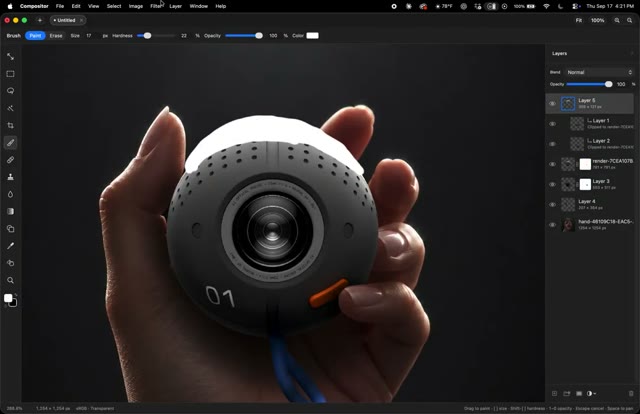
I built a Photoshop-like image editor. It’s called Compositor.
Original: @robbietilton
Storyboard
Beat sheet
Recreate it
tech reviewers, software developers, and open-source advocates
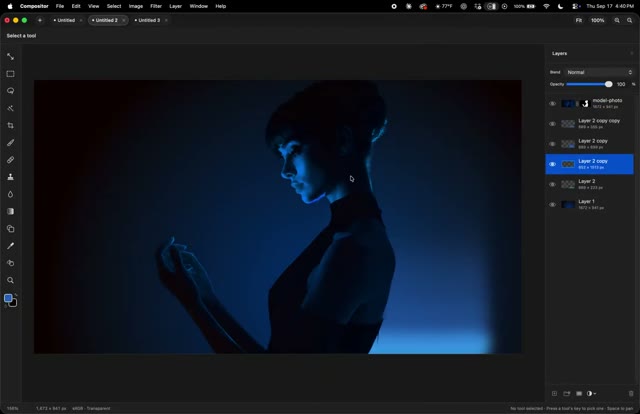
show {SOFTWARE} interface with multiple layers
Role: introduce the need for an alternative
display {PRODUCT} interface with multiple layers and controls
Role: introduce the open-source alternative
demonstrate {PRODUCT} features with multiple layers and controls
Role: show the tool's capabilities
compare {PRODUCT} to {SOFTWARE}
Role: highlight the differences
show {PRODUCT} benefits with various panels and controls
Role: emphasize the advantages
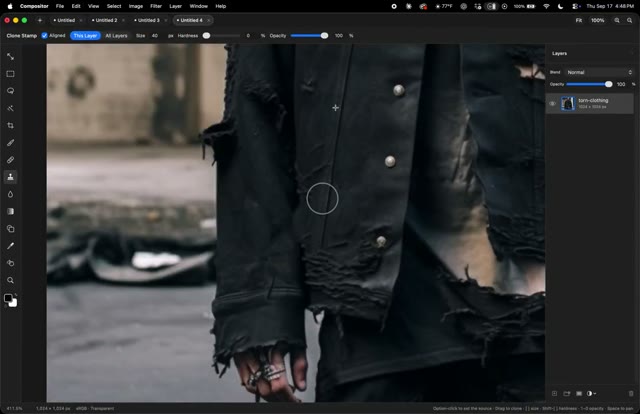
use the {PRODUCT} clone stamp tool
Role: encourage the viewer to try the alternative
I was tired of using {SOFTWARE} and its bloated features, so I created {PRODUCT} as a free and open-source alternative. It has all the essential tools I need, without the unnecessary extras. With {PRODUCT}, I can work more efficiently and effectively. The entire app is only {SIZE}MB, compared to {SOFTWARE}'s {LARGE_SIZE}MB. I'm excited to share {PRODUCT} with the community and hope you'll give it a try.
Why it wins
The video went viral due to its high bookmark rate and low like rate, indicating that viewers found the content informative and useful. The video's short length and concise demonstration of the tool's features also contributed to its virality.
high bookmark rate, low like rate, save-worthy info
CTA: Develop a clear and concise script
Remake prompt
Make a vertical short (9:16) using the "Open Source Showcase" format.

Inspired by: https://x.com/robbietilton/status/2100946395972976843
Length: 35.09s

Beat sheet:
1. 0–5.85s — Problem Introduction: introduce the need for an alternative Visual: screen recording of Adobe After Effects Audio: silence
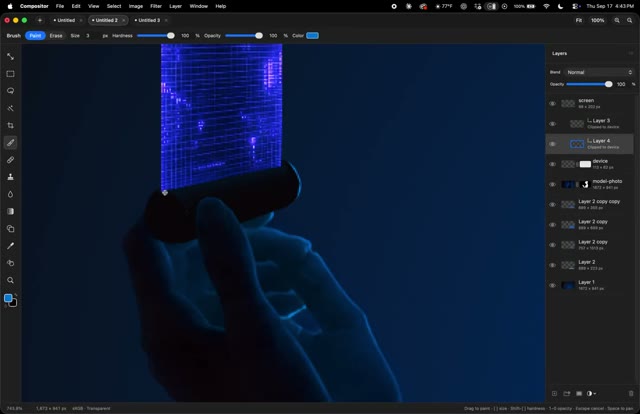
2. 5.85–11.7s — Alternative Introduction: introduce the open-source alternative Visual: hand holding a smartphone with the Compositor interface Audio: silence
3. 11.7–17.55s — Feature Demonstration: demonstrate the tool's features Visual: screen recording of Compositor with multiple layers and controls Audio: silence
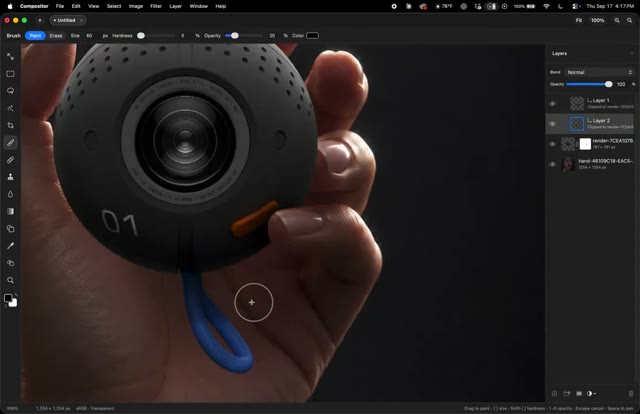
4. 17.55–23.4s — Comparison: compare the alternative to the original Visual: hand holding a small spherical camera with the Compositor interface Audio: silence
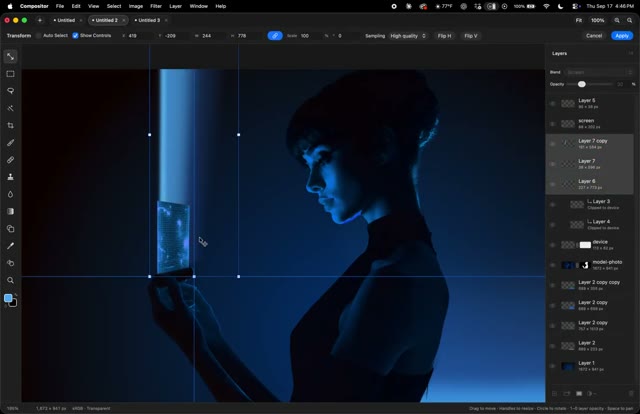
5. 23.4–29.24s — Benefits Highlight: highlight the benefits of the alternative Visual: screen recording of Compositor with various panels and controls Audio: silence
6. 29.24–35.09s — Call To Action: encourage the viewer to try the alternative Visual: screen recording of Compositor with the clone stamp tool Audio: silence

Shot script:
1. 0-5.85s — static screen recording show {SOFTWARE} interface with multiple layers (Role: introduce the need for an alternative)
2. 5.85-11.7s — hand holding a smartphone display {PRODUCT} interface with multiple layers and controls (Role: introduce the open-source alternative)
3. 11.7-17.55s — static screen recording demonstrate {PRODUCT} features with multiple layers and controls (Role: show the tool's capabilities)
4. 17.55-23.4s — hand holding a small device with {PRODUCT} interface compare {PRODUCT} to {SOFTWARE} (Role: highlight the differences)
5. 23.4-29.24s — static screen recording show {PRODUCT} benefits with various panels and controls (Role: emphasize the advantages)
6. 29.24-35.09s — static screen recording use the {PRODUCT} clone stamp tool (Role: encourage the viewer to try the alternative)

Fill the {PLACEHOLDERS} with your own niche and topic. Shoot it your way — this is the skeleton, not the skin.