
 ▶ 0.0s
Introducing voice, music, image, and video generation in the Eleven Labs MCP.
Original: @ElevenLabs
Storyboard
Beat sheet
Recreate it
tech, software, and innovation creators
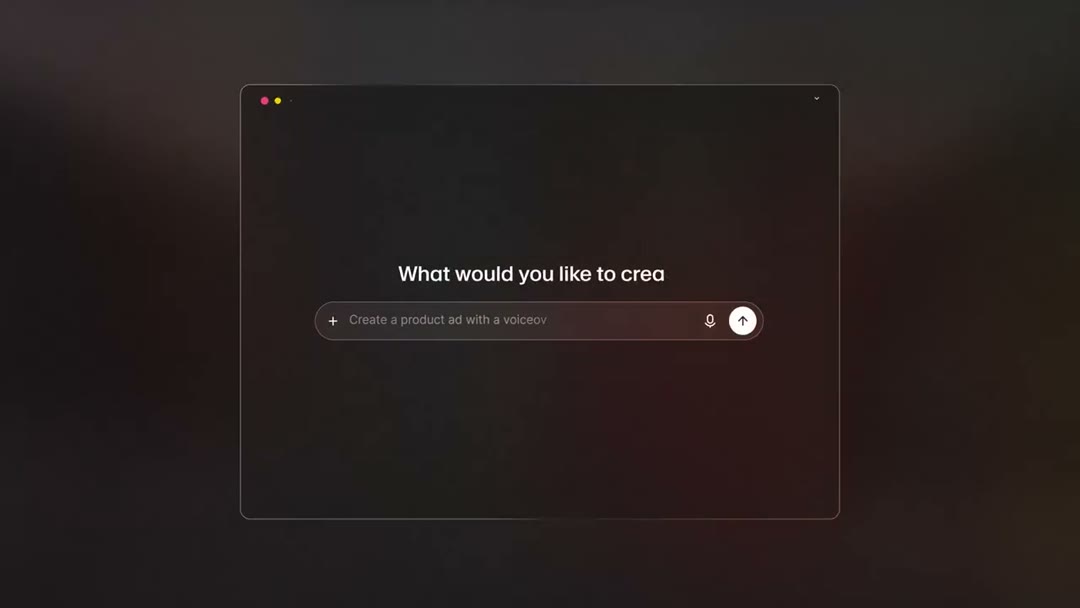
point the camera at the computer screen displaying the {PRODUCT} interface with a prompt asking what the user would like to create
Role: introduce the technology
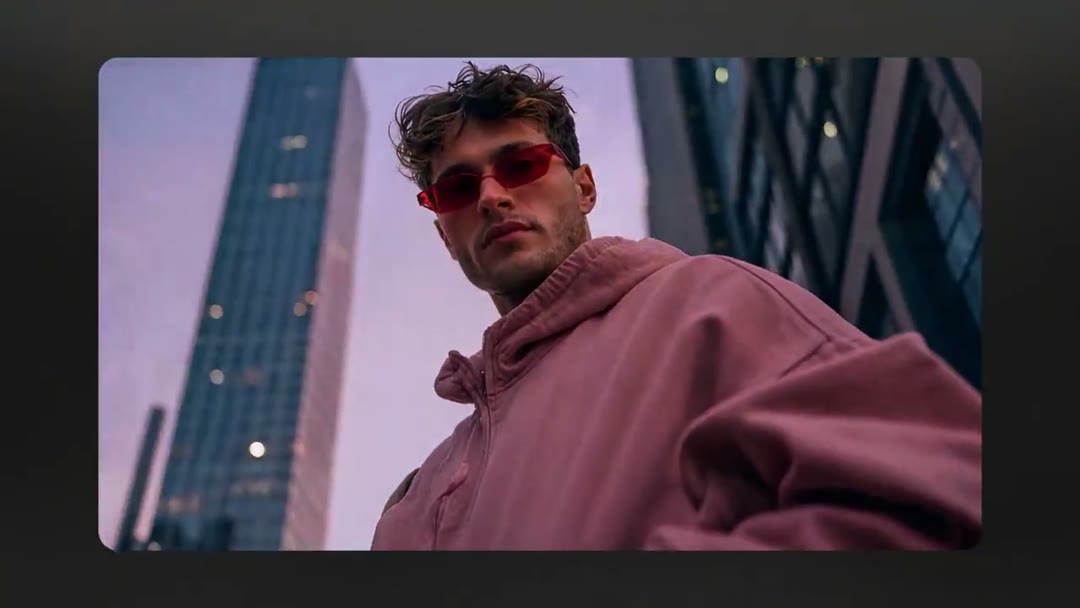
film a person wearing {COLOR} sunglasses and a {COLOR} hoodie standing in front of modern {CITY} skyscrapers
Role: show the need for the technology
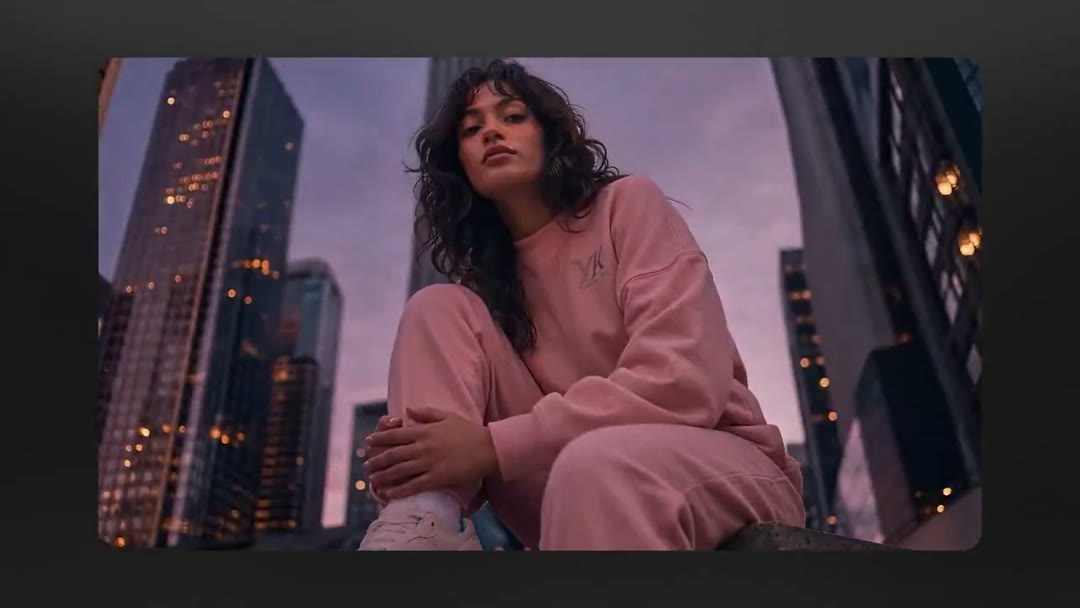
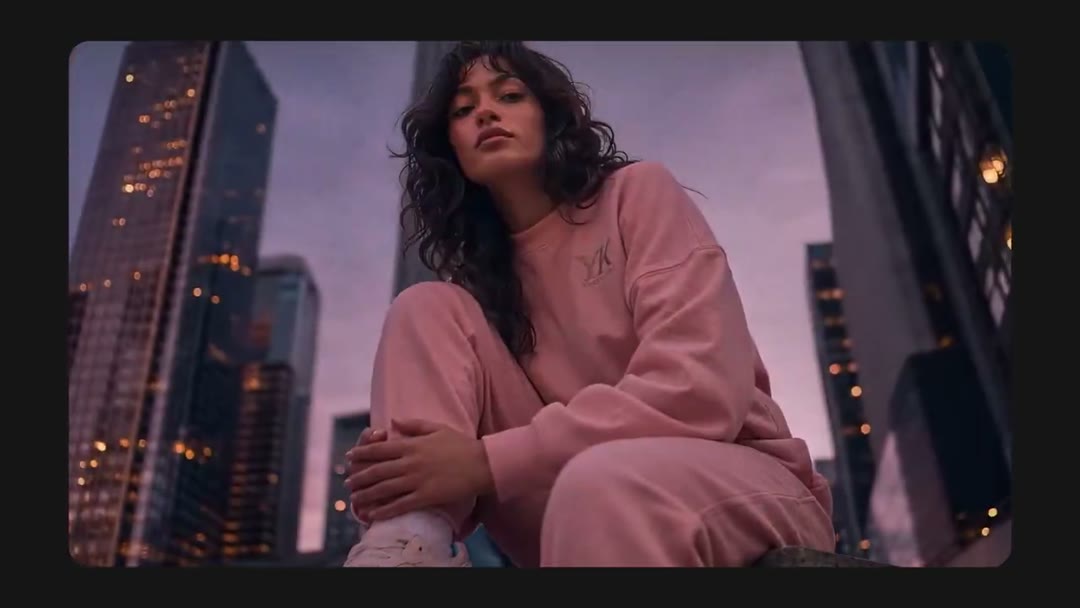
film a person with long dark hair sitting on a ledge, looking off into the distance, wearing a {COLOR} tracksuit
Role: demonstrate the technology's capabilities
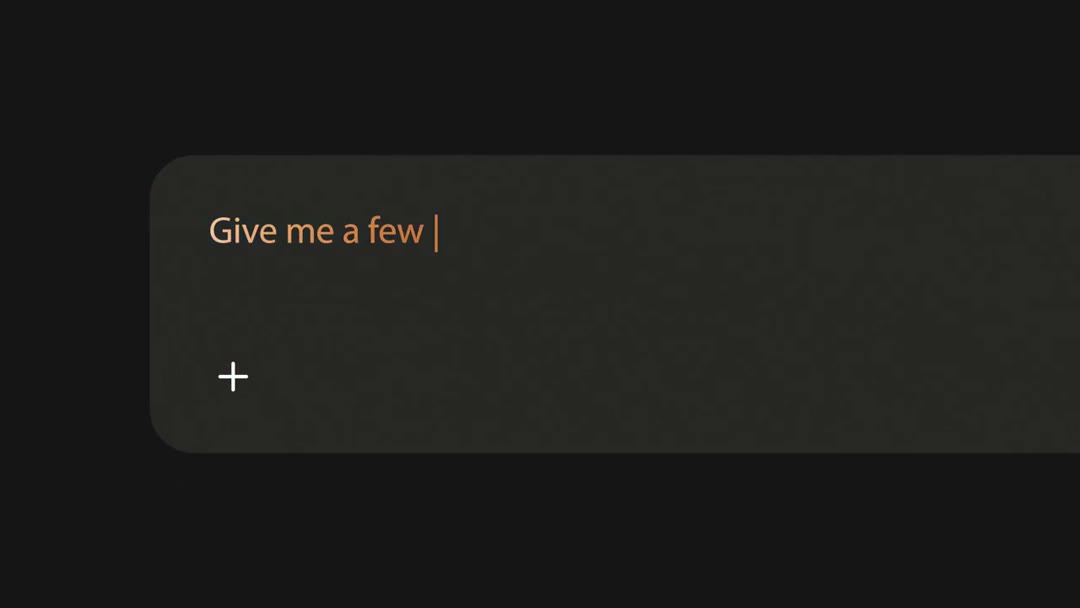
point the camera at a dark screen with a text input box containing the text 'Give me a few {TOPIC} |'
Role: highlight a specific feature
film two people taking a selfie in front of a {CITY} landscape at night, with the person in the foreground wearing a {COLOR} hoodie and having their face blurred
Role: show a real-world application
film a woman with long dark hair sitting on a ledge in an urban environment, looking off into the distance, wearing a {COLOR} tracksuit, and say 'With {PRODUCT}, you can generate {TYPE} of content'
Role: explain the benefits
point the camera at a dark screen with faintly visible text in the top right corner, saying 'Using {TECHNOLOGY} to'
Role: provide technical information
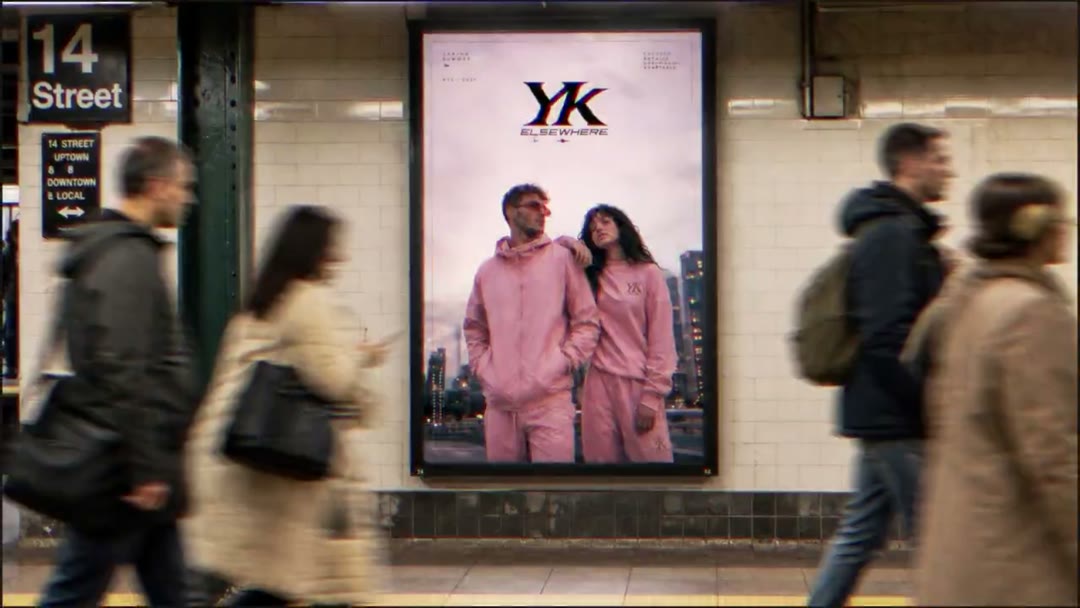
film a {CITY} subway station with people walking by, and an advertisement featuring two individuals in {COLOR} outfits prominently displayed on the wall
Role: encourage the viewer to take action
film a black background with the text '{PRODUCT} {NICHE}' in the center
Role: leave a lasting impression
Introducing {PRODUCT}, the revolutionary technology that allows you to generate {TYPE} of content. With {PRODUCT}, you can create anything from {EXAMPLE1} to {EXAMPLE2}. Say goodbye to tedious content creation and hello to a world of endless possibilities. Using {TECHNOLOGY} to power {PRODUCT}, you can take your content to the next level. Try {PRODUCT} today and discover a new way to create.
Why it wins
4.17M views on reach, not saves: 2,574 likes against 970 bookmarks (bookmark/like 0.38). It spread on awe at the demo. The whole ad hangs on one line typed on screen, 'Create a product ad with a voiceover', and the output becomes the pitch.
bookmark/like 0.38 (2,574 likes vs 970 saves): reach over saves · demo-as-copy: the product output is the pitch · one-prompt premise
CTA: Identify the key features and benefits of your technology
Remake prompt
Make a 16:9 screen-demo short using the "One-Prompt Product Ad" format.

Inspired by: https://x.com/ElevenLabs/status/2099547227223908568
Length: 44.1s

Beat sheet:
1. 0–9.23s — Hook: introduce the technology Visual: screen recording of the software interface Audio: narration introducing the technology
2. 9.23–12.93s — Problem Agitation: show the need for the technology Visual: person in a modern setting Audio: silence
3. 12.93–13.7s — Solution Showcase: demonstrate the technology's capabilities Visual: person in a reflective state Audio: silence
4. 13.7–19.8s — Feature Highlight: highlight a specific feature Visual: text input box Audio: silence
5. 19.8–23.43s — Use Case: show a real-world application Visual: people taking a selfie Audio: silence
6. 23.43–24.2s — Benefit Explanation: explain the benefits Visual: woman in a pink tracksuit Audio: narration explaining the benefits
7. 24.2–33.13s — Technical Detail: provide technical information Visual: dark screen with faint text Audio: silence
8. 33.13–34.9s — Call To Action: encourage the viewer to take action Visual: subway station with advertisement Audio: silence
9. 34.9–44.1s — Closing Shot: leave a lasting impression Visual: black background with text Audio: silence

Shot script:
1. 0-9.23s — screen recording of the software interface point the camera at the computer screen displaying the {PRODUCT} interface with a prompt asking what the user would like to create (Role: introduce the technology)
2. 9.23-12.93s — medium shot of a person in a modern setting film a person wearing {COLOR} sunglasses and a {COLOR} hoodie standing in front of modern {CITY} skyscrapers (Role: show the need for the technology)
3. 12.93-13.7s — medium shot of a person in a reflective state film a person with long dark hair sitting on a ledge, looking off into the distance, wearing a {COLOR} tracksuit (Role: demonstrate the technology's capabilities)
4. 13.7-19.8s — screen recording of a text input box point the camera at a dark screen with a text input box containing the text 'Give me a few {TOPIC} |' (Role: highlight a specific feature)
5. 19.8-23.43s — medium shot of people in a real-world setting film two people taking a selfie in front of a {CITY} landscape at night, with the person in the foreground wearing a {COLOR} hoodie and having their face blurred (Role: show a real-world application)
6. 23.43-24.2s — medium shot of a person explaining the benefits film a woman with long dark hair sitting on a ledge in an urban environment, looking off into the distance, wearing a {COLOR} tracksuit, and say 'With {PRODUCT}, you can generate {TYPE} of content' (Role: explain the benefits)
7. 24.2-33.13s — screen recording of technical information point the camera at a dark screen with faintly visible text in the top right corner, saying 'Using {TECHNOLOGY} to' (Role: provide technical information)
8. 33.13-34.9s — wide shot of a public place film a {CITY} subway station with people walking by, and an advertisement featuring two individuals in {COLOR} outfits prominently displayed on the wall (Role: encourage the viewer to take action)
9. 34.9-44.1s — wide shot of a black background film a black background with the text '{PRODUCT} {NICHE}' in the center (Role: leave a lasting impression)

Fill the {PLACEHOLDERS} with your own niche and topic. Shoot it your way — this is the skeleton, not the skin.